
Children, 3–6
Need something intuitive and fun, with no reading, no right answers, and no adult guiding them.


The Afternoon Edition · FEATURE
TODAYRESEARCH GAME · UX DESIGN · TEAM PROJECT
Big insights into little minds

A game-based research tool that helps psychologists study how children aged 3–6 perceive social categories, such as race.
Invited speakers · Serious Play Conference 2026
01
Before they can explain it
Developmental psychologists study how young children begin to sort the social world into categories like race, using sorting tasks, forced-choice interviews and structured observation. These methods work, but they depend on asking children direct questions. Young children don’t always have the words to explain their thinking, and sometimes they answer with what they think the adult wants to hear. The tasks are also labor-intensive, which limits how many children can be studied.
How can games help researchers understand what children already perceive?
SoKids turns those research tasks into play on a touchscreen. Children choose, group and give, and the game records those actions as behavioral data. We didn’t invent new measurements: we redesigned how established psychology tasks are conducted.
TWO USERS, ONE TOOL
Need something intuitive and fun, with no reading, no right answers, and no adult guiding them.
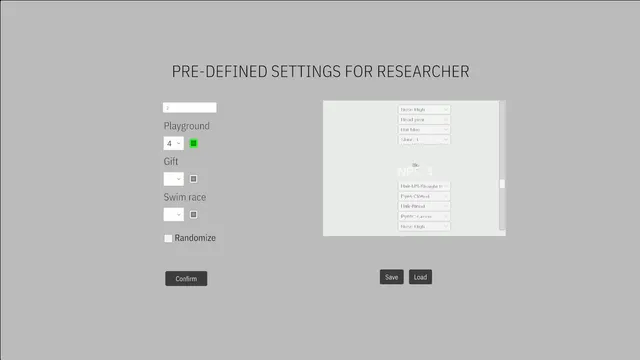
Need structured, repeatable data they can configure and trust.
What success meant (team definition): intuitive for young children, engaging enough to hold attention, and structured enough to produce reliable data.
02
Paper to playtest
Before designing anything, the team read widely across developmental psychology, race, game-based assessment, child–computer interaction and research ethics. These readings became our design principles:
Each of us summarized papers and pulled out what they meant for a game for 3–6-year-olds.
How children see social groups
The Development of Social Categories
Annual Review of Developmental Psychology (client reading list)
→ Why ages 3–6 matter.
The Fluidity of Racial Classification
Annual Review of Political Science (client reading list)
→ Race as a range, not fixed boxes.
Play and Implicit Bias in Early Childhood
white paper, Schubert Center for Child Studies
→ Children as young as four notice how adults group people, so the game itself must never group or label characters.
Games as measurement
Socio-emotional learning at scale: developing measurement tools
Dr. Vales’s lab literature review
→ The gap: few validated tools to assess children’s beliefs about social categories.
The lab’s existing tasks: Friendship task, PRAM task and SpAM task scripts
→ The established tasks SoKids turns into play.
Children’s Implicit and Explicit Stereotypes… of a Computer Scientist
ACM ICER 2021
→ Behavior reveals what children don’t say: observe actions, don’t ask questions.
Game-based assessment of young children’s national identity
Frontiers in Psychology, 2022
→ Games can measure identity validly and reduce test anxiety.
Assessment of learning in child–computer interaction research
International Journal of Child-Computer Interaction, 2023
→ Performance isn’t learning; watch the process.
Designing for small hands
TIDRC: Touchscreen Interaction Design Recommendations for Children
ACM IDC 2019
→ Audio plus visual instructions, simple taps and drags, plain backgrounds, accept partial gestures.
The Effects of a Self-Similar Avatar Voice in Educational Games
CHI PLAY 2021
→ Self-similar avatars deepen identification, supporting avatar creation.
Game Design Vocabulary, chapter on verbs
Naomi Clark & Nathan Altice
→ A small set of reusable verbs.
Ethics
The Belmont Report
(client reading list)
→ Ethics first.
We analyzed 15 games made for preschoolers. Three takeaways shaped everything after:
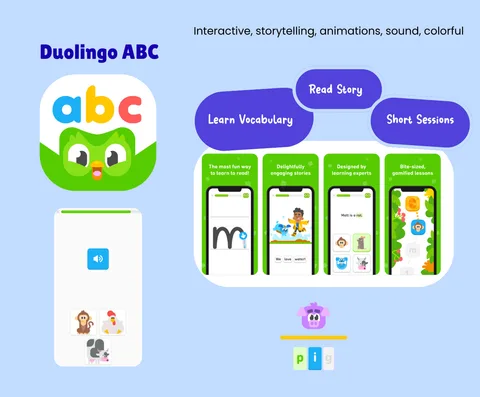
Team competitive analysis.
January
Kickoff with CMU Psychology; framing: “a research instrument disguised as play.”
Week 3
Paper prototype from my idea; the team starts building it in Unity.
Weeks 4–6
First Unity builds; first playtest with two children.
Week 8
IRB approval; all members complete CITI research-ethics training.
March–April
Six weeks of weekly playtests at the CMU Children’s School, rotating between both prototypes.
April
Final presentation.
August
Invited talk at the Serious Play Conference, Duke University.
Prototype 1: Birthday Party · Design lead: Angie He
LINEAR STORY
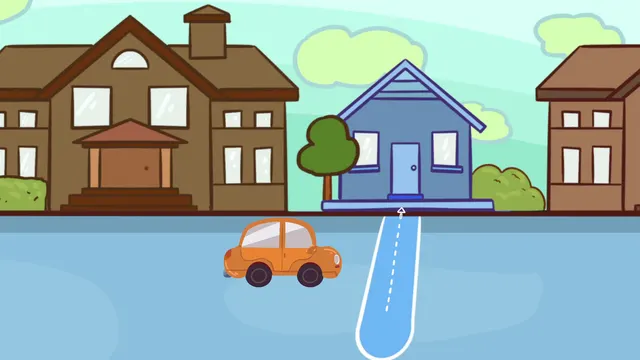
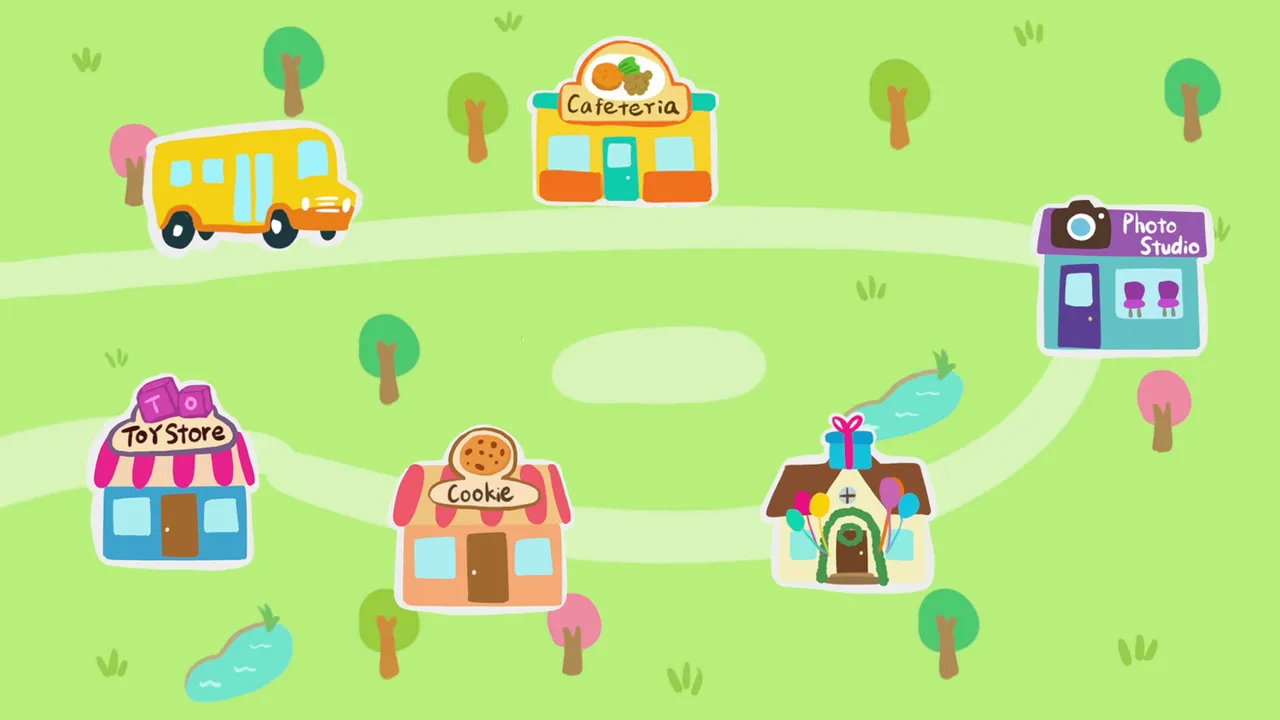
Prototype 2: A Day in the Neighborhood · Design lead: Gamma Zheng
HUB AND SPOKE
WHY TWO
Test design strategies
Comparing the two lets us test design strategies.
Validate the data
It gives Dr. Vales cross-validation of the data.
Sessions with children were not recorded, to protect their privacy. I observed in person and took notes; findings come from the team’s observation notes.
03
Five of the team’s ten principles:
Principles written by the SoKids team.
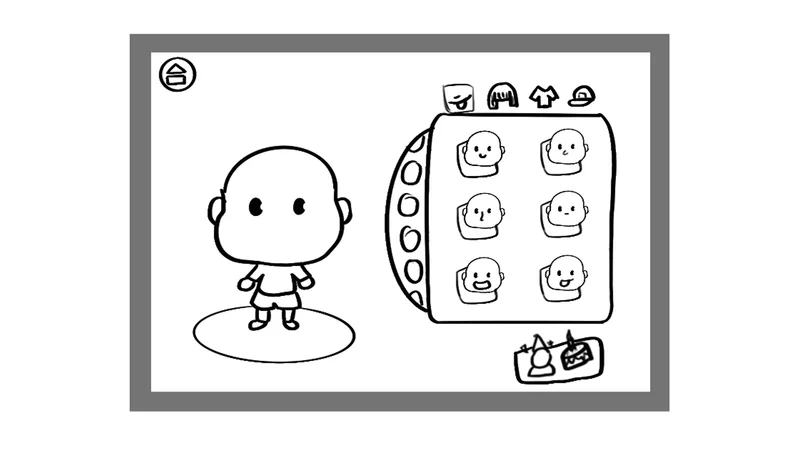
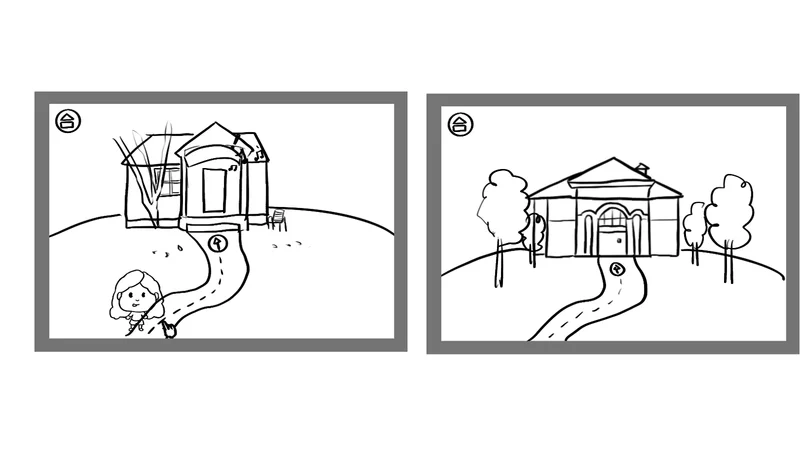
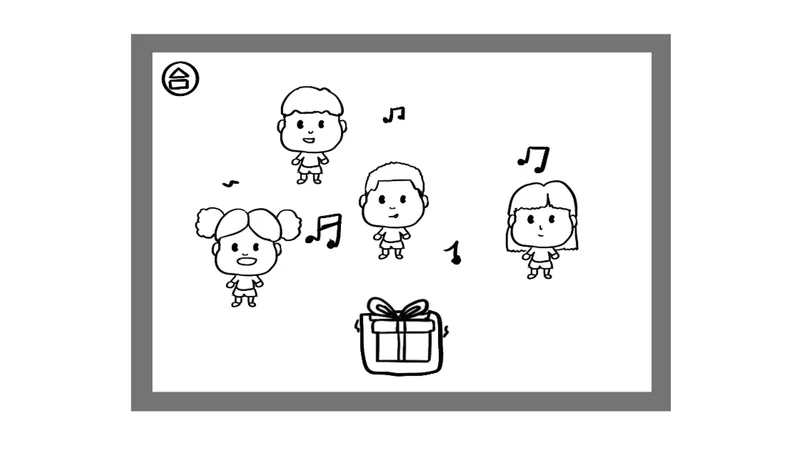
The project started from my rough paper prototype idea, which the team then built in Unity. I designed Prototype 1: all of its visuals, UI and UX, with game design decided together as a team.
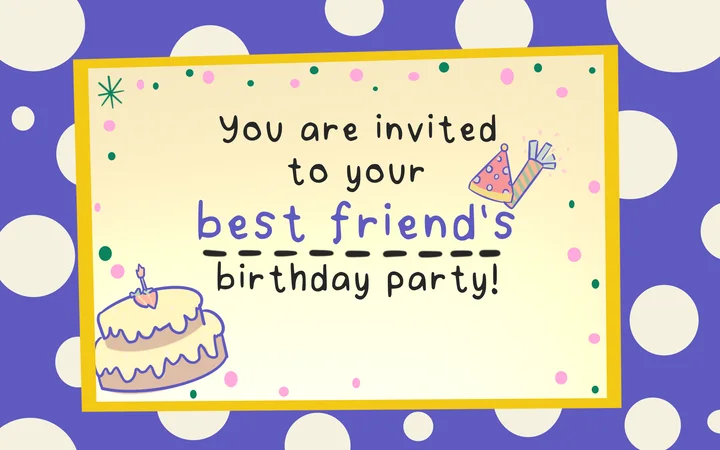
Prototype 1 is a linear story. It starts with a birthday invitation, moves through a series of party activities, and ends with a fireworks show. Each mini-game is played once, with no going back, so the flow stays controlled and comparable from child to child.
Why the team chose my paper prototype: My prototype uses storytelling to help children understand the context and engages them in fun, purposeful activities that also collect meaningful tracking data.
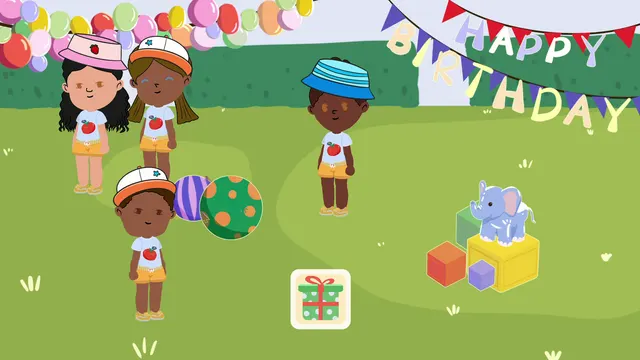
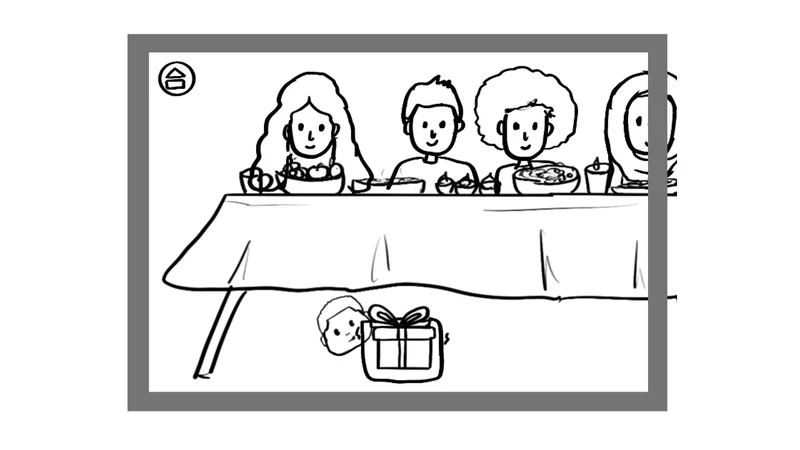
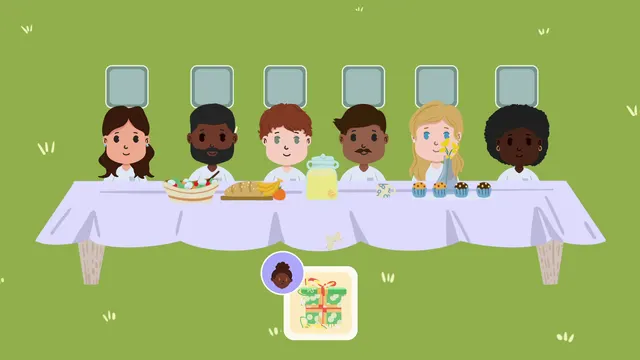
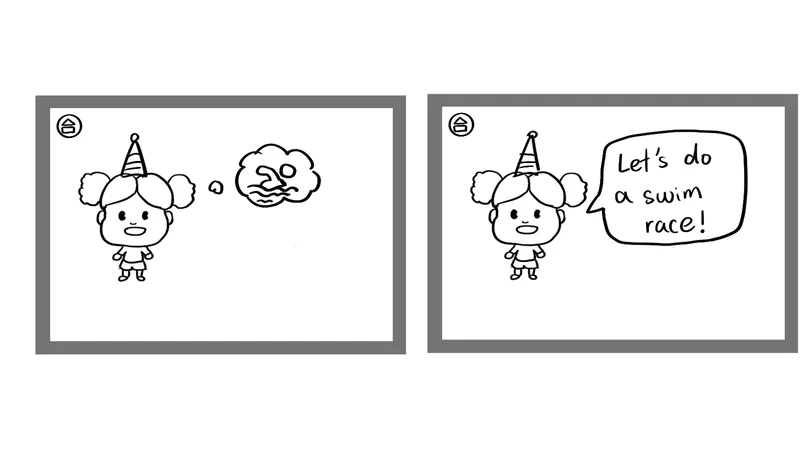
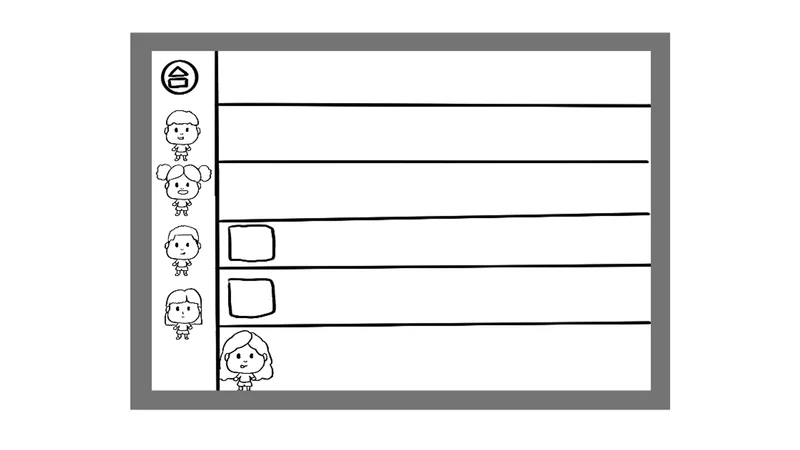
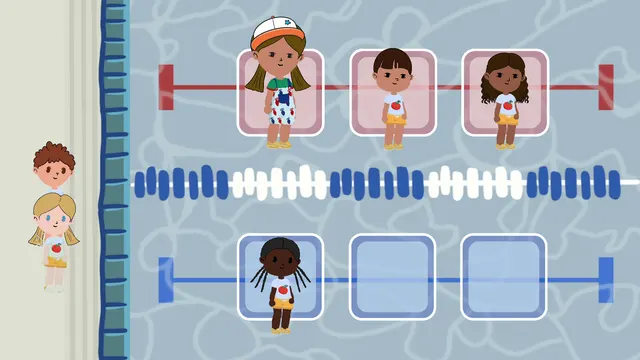
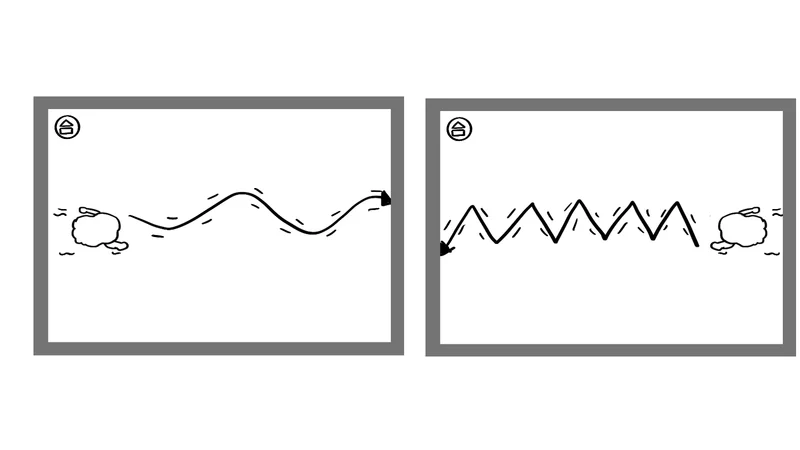
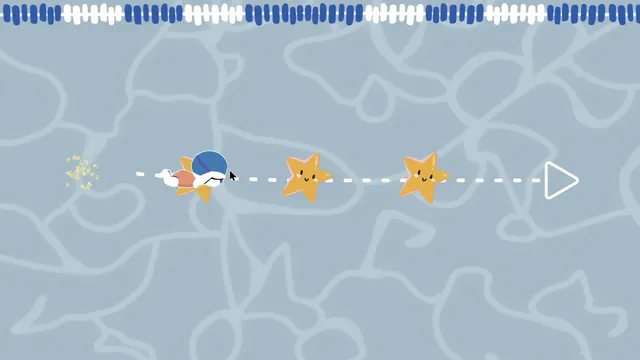
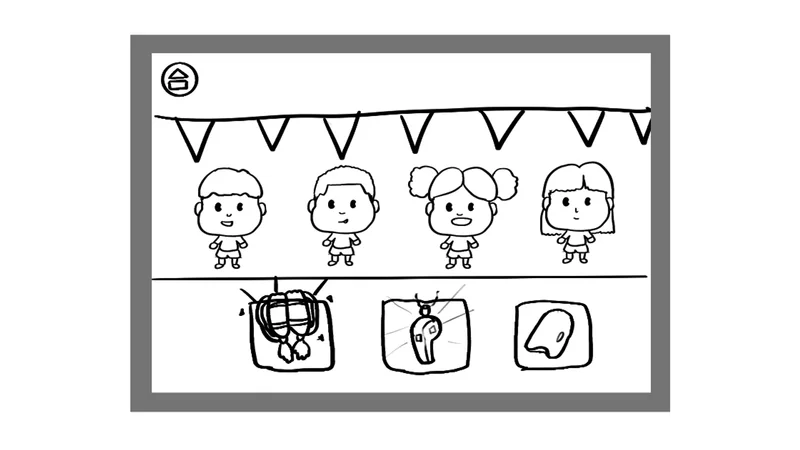
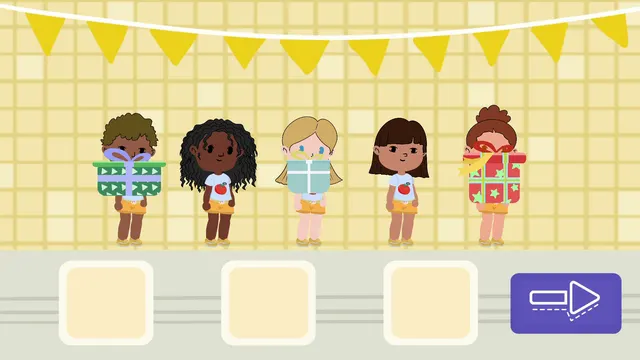
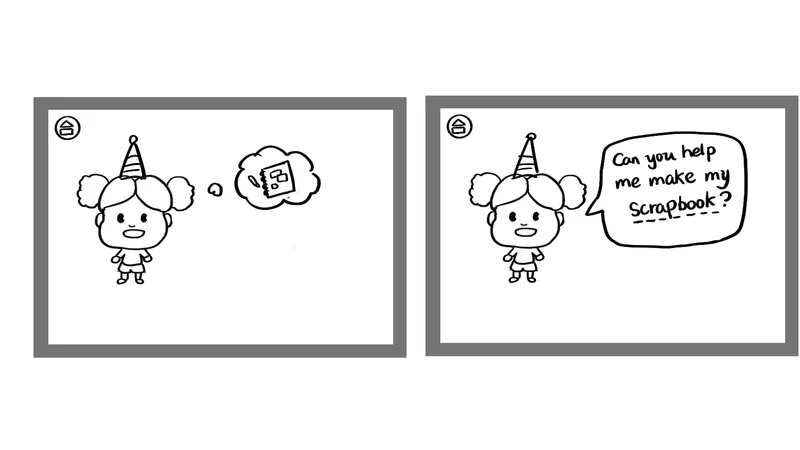
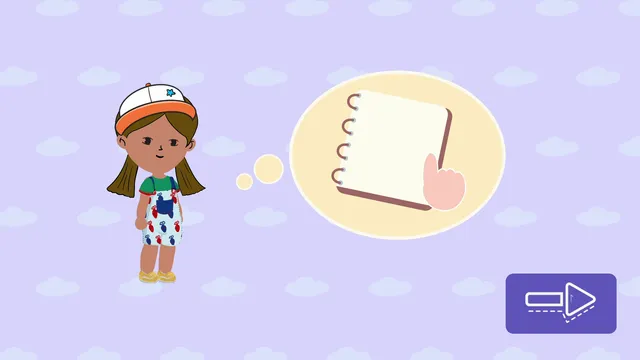
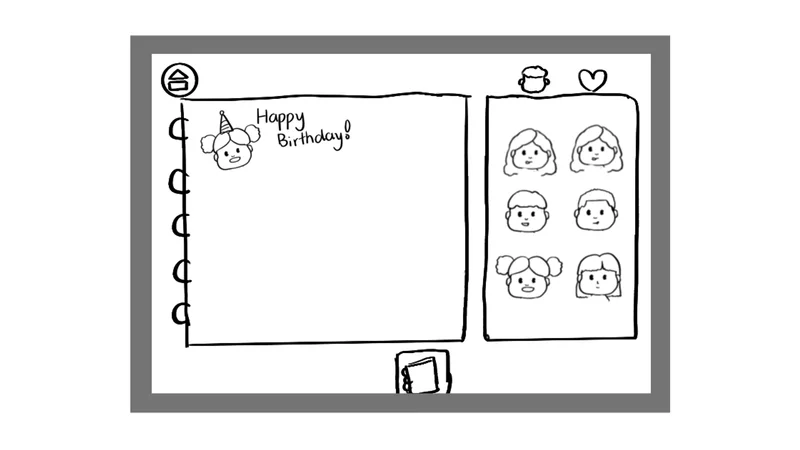
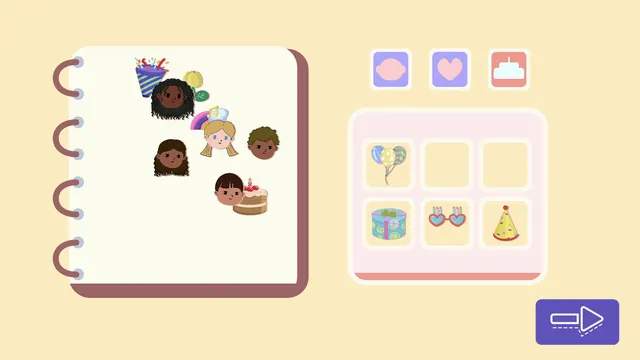
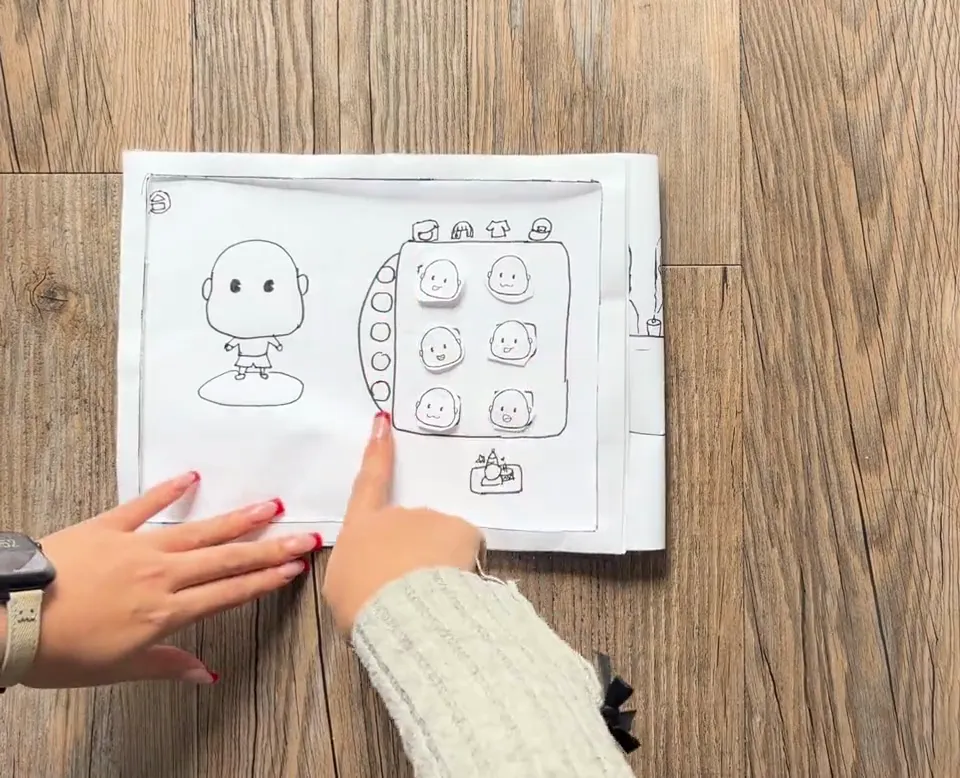
PAPER PROTOTYPE · 56 SECONDS, 2× SPEED
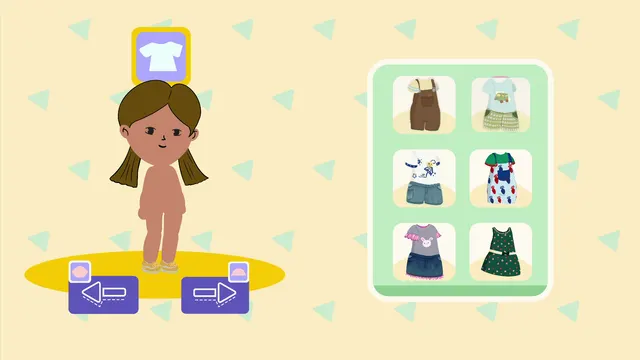
One of our biggest challenges was how to represent racial diversity visually without relying on our own judgment. So the avatars in both prototypes are built on established frameworks: skin tones from the Pantone SkinTone Guide, and hair from the Andre Walker hair typing system. Features work as ranges rather than fixed racial categories, and every attribute a child picks is logged for researchers.
Skin tones: Pantone SkinTone Guide












Hair: Andre Walker hair typing system
Before production, the team ran a character ethics review: sketch 8–12 characters, check each for gender-, class- or culture-coded features, and send them to the client and advisors for feedback.
Visual notes: flat, friendly characters rigged in Maya; soft pastel scenes; large icon-only arrow and check buttons with no text, for pre-readers.
Our players are 3–6, and most can barely read. Every design choice had two jobs: help children understand what’s happening, and keep their choices intentional, so the data means something.
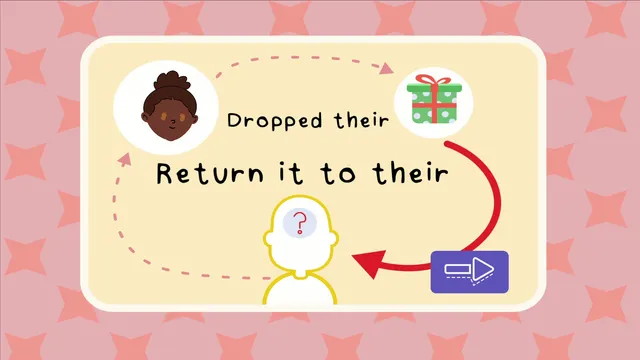
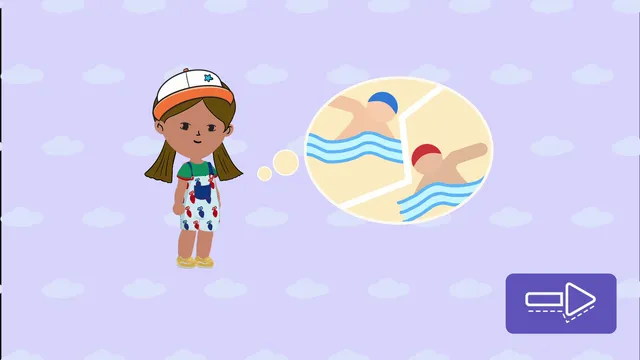
Transition frames give children a moment to understand what’s next, and every scene is narrated.
| Design choice | What it looks like | Why |
|---|---|---|
| Transition frames | Before each activity, the friend “thinks” about what’s next in a thought bubble (a swim race, a scrapbook), or a picture card shows the story (“dropped their gift → return it to their parent”). | Gives children time to process the context and get ready for the next task, instead of being dropped into it. |
| Voiceover, almost no text | Every scene is narrated; the screen has almost no words. | Our age group can barely read. Voice removes reading as a barrier, so every child can take part on equal footing. |
| Minimal distraction | Soft, simple backgrounds and only the characters and objects the task needs. | Less visual noise keeps attention on the choice, and keeps choices about the characters, not about whatever looks most exciting. |
| Big buttons | Large, icon-only arrow and check buttons with generous spacing. | Small hands are still developing motor control; big targets prevent mis-taps. |
04
Avatar creation was where children struggled most, and where I iterated most.
Before: every option on one screen, Next always active

The result: after the change to one action per screen and the locked button, every child finished avatar creation, and they enjoyed creating their avatars much more.
The game can teach how to play, but must never teach what answer we’re looking for. So the team separated three things:
“Where do you want to sit?”, never “Sit next to your best friend.”
Every button state, animation and position became part of the assessment condition.
The team’s bigger lesson.
Children weren’t clicking randomly; they were making intentional social choices:
Many made avatars that looked like themselves or someone they knew; some held their hair up to the screen to find a matching color.
When choosing seats, some explained, “I want to sit with this person because we’re friends.”
They told their own stories, like deciding the gifts must be for a birthday, and treated sharing as a fairness problem.
Some asked, “When am I done?”, a reminder that clear progress and a clear ending matter.
05
Researcher interface (team): researchers configure character attributes and the number of characters, randomize setups, and save or load configurations, so a session can start without preparation.
Data logging (team): four established metrics, logged when the child confirms each scene:
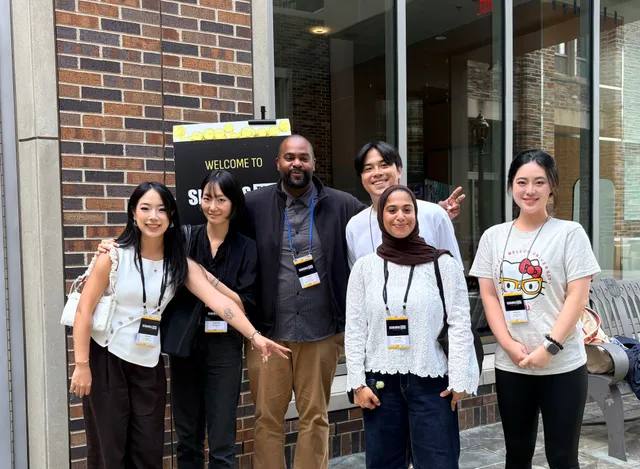
INVITED SPEAKERS · SERIOUS PLAY CONFERENCE 2026
Our proposed session was selected by the conference committee, and our team was invited to present it as a 25-minute talk at Duke University.
Next: a first draft of the research paper is complete; the team is targeting CHI PLAY and CHI.
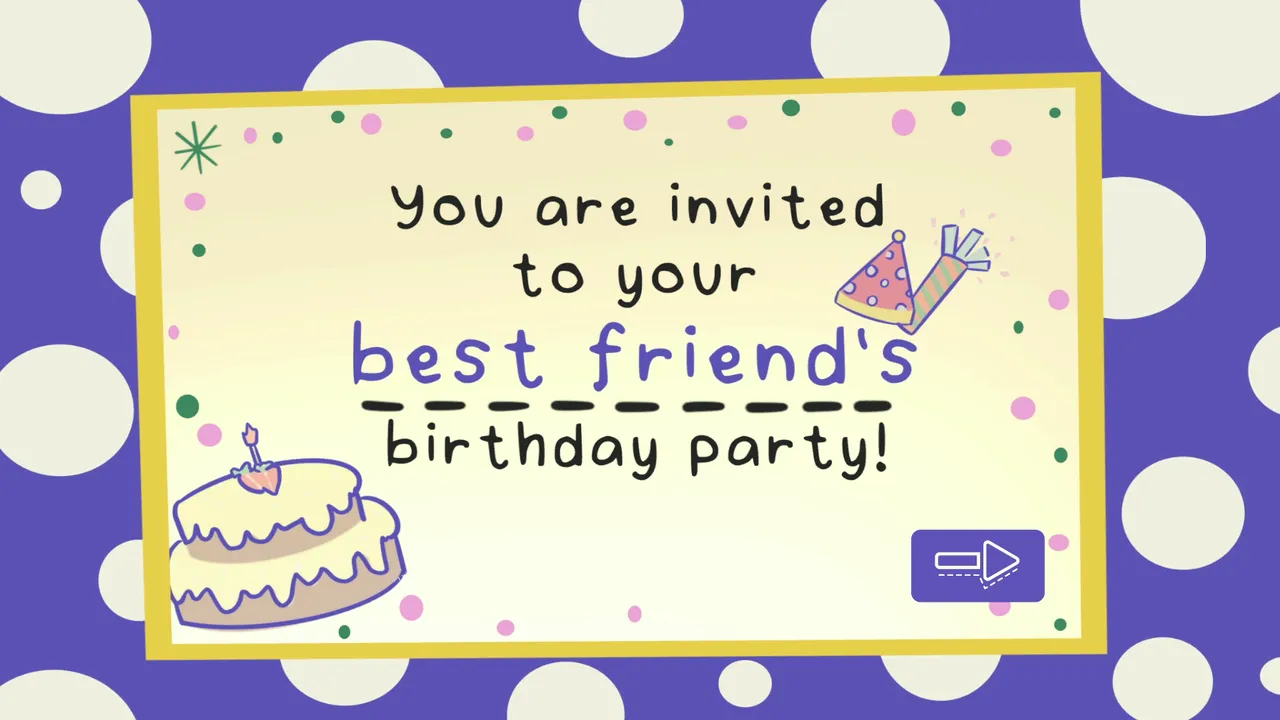
DESIGN LEAD: ANGIE HE
DESIGN LEAD: GAMMA ZHENG